Dialogs & Toasts
ModernMessageBox for modal dialogs, ModernColorPicker for picking colors and ModernToast for notifications.
ModernMessageBox
A themed replacement for MessageBox, built on ModernWindow. Pass the owner window, theme,
message, title, a button set and an optional icon.
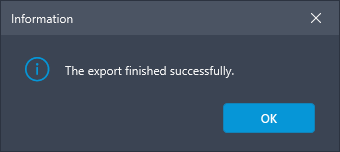
Information
ModernMessageBox.Show(owner, theme,
    "The export finished successfully.", "Information",
    ModernDialogButtons.Ok, ModernDialogIcon.Info);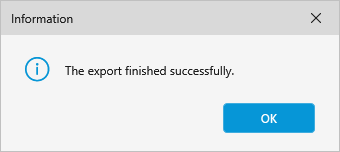
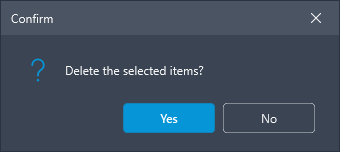
Confirm (Yes / No)
var result = ModernMessageBox.Show(owner, theme,
    "Delete the selected items?", "Confirm",
    ModernDialogButtons.YesNo, ModernDialogIcon.Question);

if (result == ModernDialogResult.Yes) { /* … */ }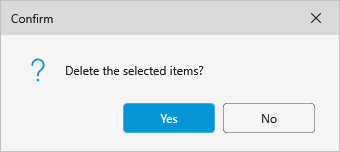
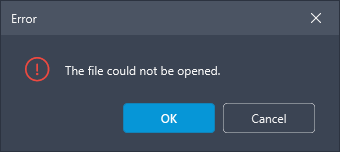
Error (OK / Cancel)
ModernMessageBox.Show(owner, theme,
    "The file could not be opened.", "Error",
    ModernDialogButtons.OkCancel, ModernDialogIcon.Error);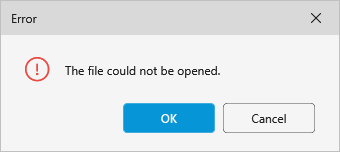
Custom button labels
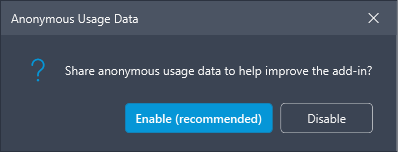
Pass a list of ModernDialogButtons for your own captions and results.
var buttons = new[]
{
    new ModernDialogButton("Enable (recommended)", ModernDialogResult.Yes, IsDefault: true, Accent: true),
    new ModernDialogButton("Disable", ModernDialogResult.No, IsCancel: true),
};

ModernMessageBox.Show(owner, theme,
    "Share anonymous usage data to help improve the add-in?",
    "Anonymous Usage Data", buttons, ModernDialogIcon.Question);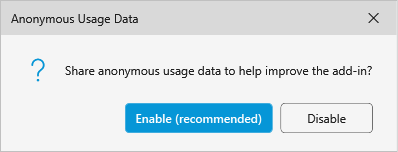
Rich content
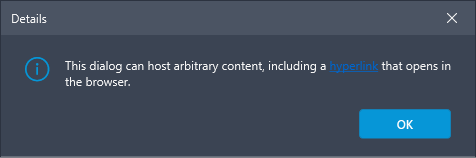
Pass a FrameworkElement instead of a string to host arbitrary content - for example a paragraph
with a hyperlink.
var text = new TextBlock { TextWrapping = TextWrapping.Wrap, MaxWidth = 400 };
text.Inlines.Add(new Run("This dialog can host arbitrary content, including a "));
text.Inlines.Add(new Hyperlink(new Run("hyperlink")) { NavigateUri = uri });

ModernMessageBox.Show(owner, theme, text, "Details",
    new[] { new ModernDialogButton("OK", ModernDialogResult.Ok, IsDefault: true, IsCancel: true, Accent: true) },
    ModernDialogIcon.Info);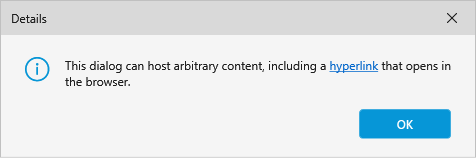
ModernColorPicker
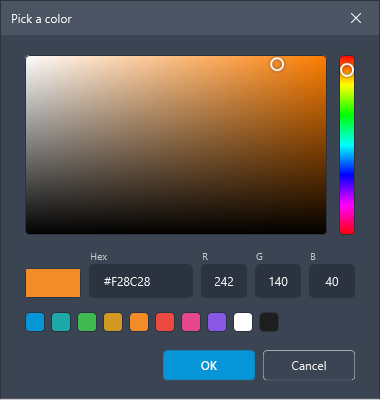
A themed modal color picker: a saturation/value field, a hue bar, hex + RGB input, preset swatches
and an old/new preview (click the left half to restore the initial color). Returns the chosen
Color, or null when cancelled.
Color? picked = ModernColorPicker.Show(owner, theme,
    initial: Color.FromRgb(0xF2, 0x8C, 0x28), title: "Pick a color");

if (picked is Color color) { /* use color */ }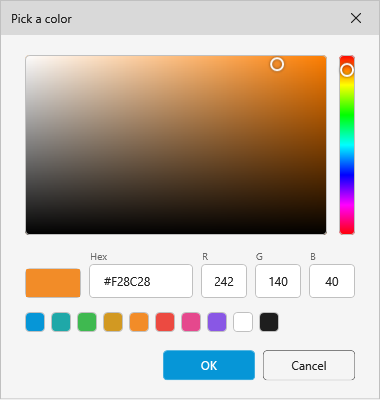
showAlpha: true adds an opacity bar, an A field and 8-digit hex (#AARRGGBB):
Color? picked = ModernColorPicker.Show(owner, theme,
    initial: Color.FromArgb(0xCC, 0x06, 0x96, 0xD7),
    title: "Pick a color", showAlpha: true);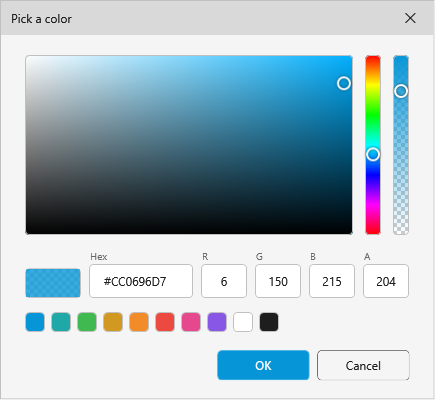
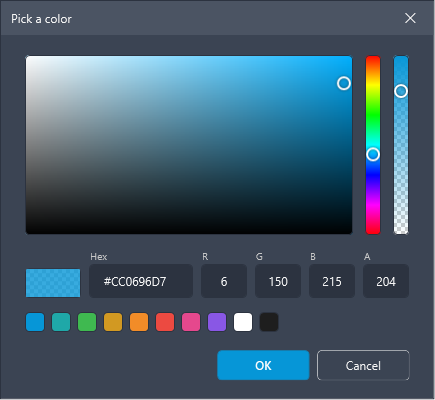
presets: replaces the built-in swatch row with your own colors (an empty array hides the row).
Like the other dialogs it inherits the owner window's palette, so a customized accent carries
through.
ModernToast
Lightweight, auto-dismissing notifications shown in the bottom-right of a window. There are four
types: Info, Success, Warning, Error.
ModernToast.Show(owner, "Your settings were loaded.", ToastType.Info, title: "Heads up");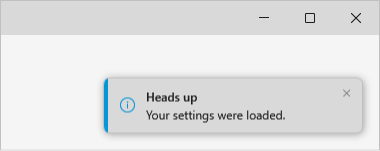
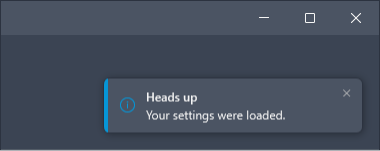
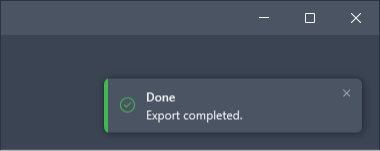
ModernToast.Show(owner, "Export completed.", ToastType.Success, title: "Done");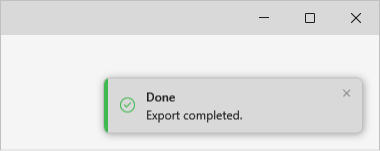
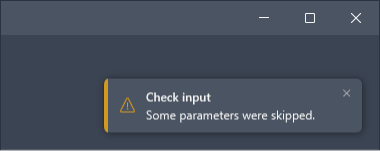
ModernToast.Show(owner, "Some parameters were skipped.", ToastType.Warning, title: "Check input");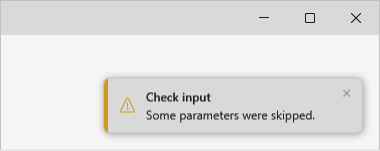
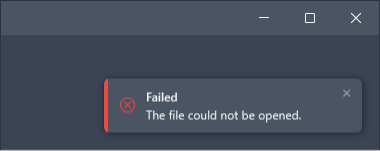
ModernToast.Show(owner, "The file could not be opened.", ToastType.Error, title: "Failed");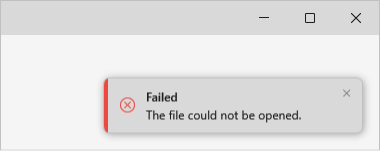
Settings
Two static knobs apply to every toast:
ModernToast.MaxVisible = 3;                            // cap shown at once
ModernToast.DefaultDuration = TimeSpan.FromSeconds(4); // auto-dismiss after

// A per-call duration still overrides the default:
ModernToast.Show(owner, "Saved", ToastType.Success, duration: TimeSpan.FromSeconds(2));