Introduction
A tiny, conflict-free WPF styling library for Autodesk Inventor add-ins - themeable controls, light/dark, window-scoped resources.

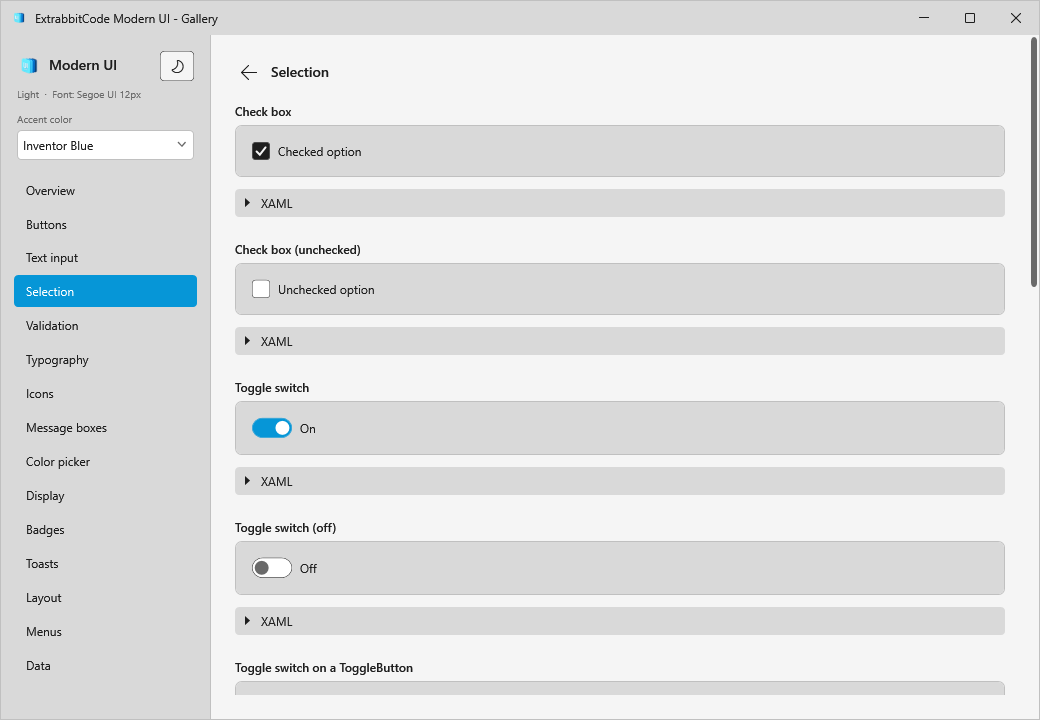
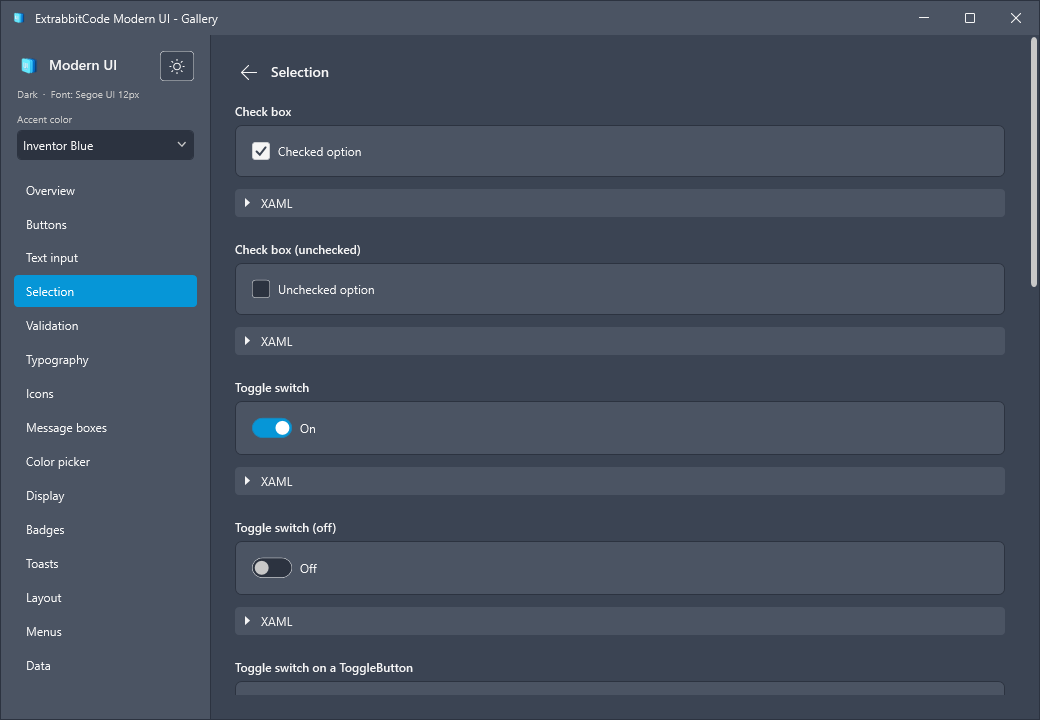
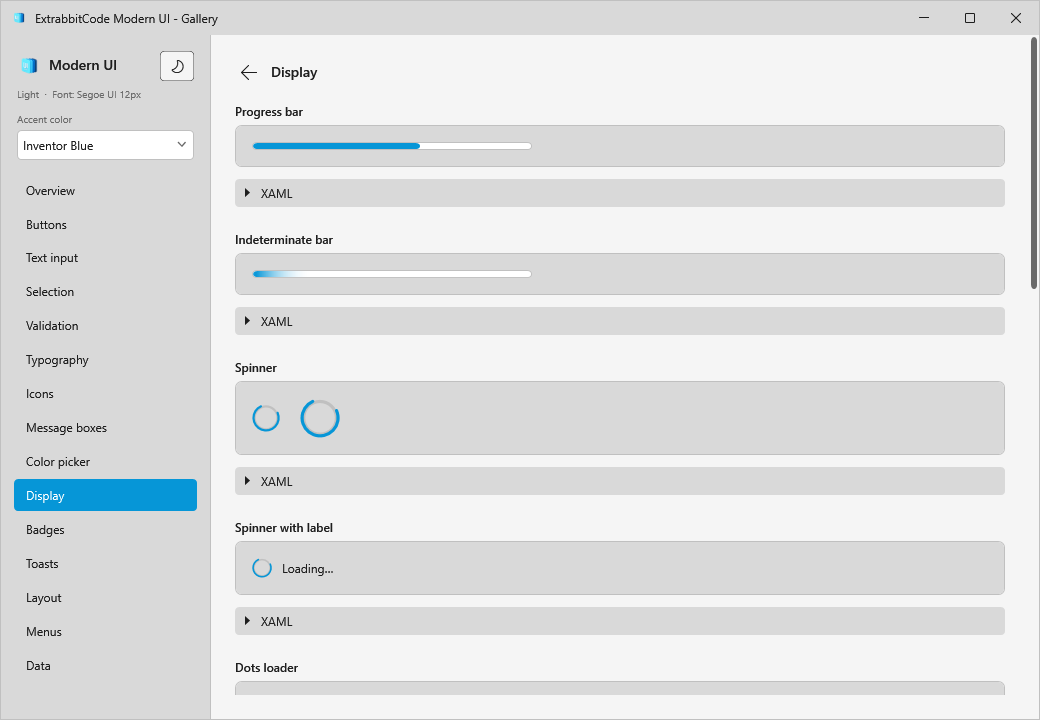
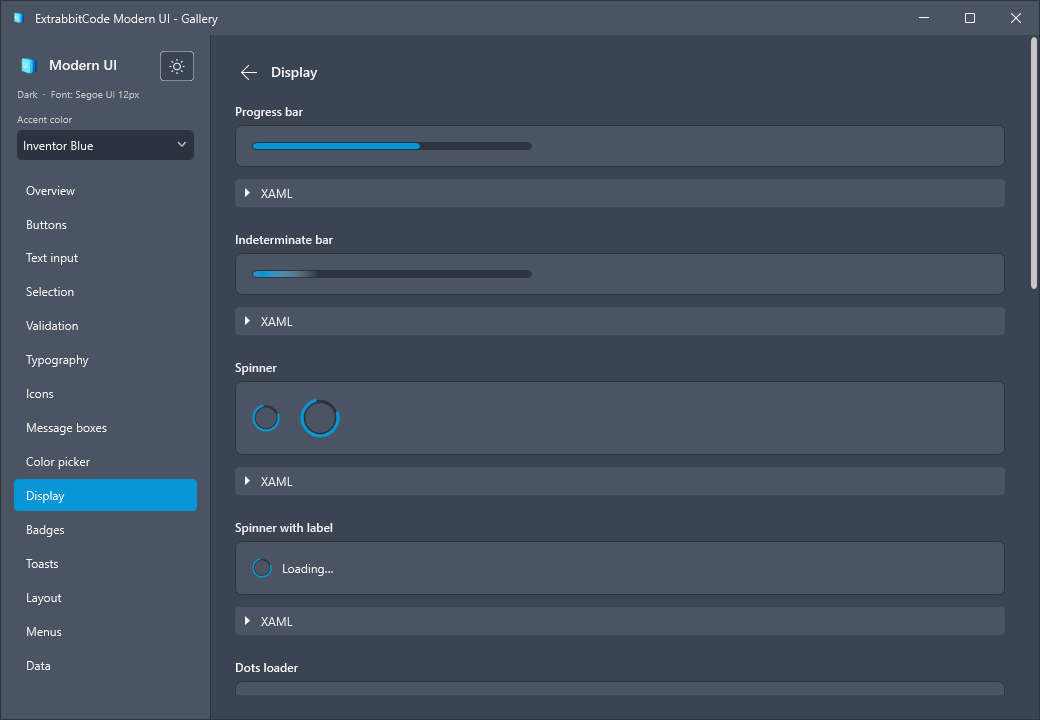
ExtrabbitCode Inventor ModernUi is a small WPF styling library for Autodesk Inventor add-ins. It themes the standard WPF controls (light/dark), ships themed dialogs and toasts, and a Segoe Fluent glyph set - all applied per window with no global state, so several add-ins can each ship their own version into one Inventor process without clashing.
// Theme any window in one call - colours, font and control styles, window-scoped.
ModernUi.Apply(window, Theme.Dark);
See it in action
Every control and pattern is shown in the gallery - a standalone app that runs without Inventor.
Download the .exe from the
GitHub releases to try it
live, switching themes and accent colours on the fly.
Why it exists
Inventor loads every add-in into a single process. A normal WPF theme library registers dependency
properties and writes to Application.Current.Resources, so two add-ins shipping different versions
clash. ModernUi never does either: it injects brushes, fonts and control styles into a single
window's resources and styles only framework types. The result is a clean Inventor-aligned look that
is safe to ship alongside any other add-in.
It is possible to isolate an addin but not its wpf content. This is why when using something like wpfui conflicts happen.
Explore
Getting started
Install the package and theme your first window.
Theming
Palettes, fonts, design tokens and live theme switching.
Controls
Every styled control with a snippet and a screenshot.
Icons
The ModernGlyphs catalog and the Icon() helper.
Dialogs & toasts
ModernMessageBox and ModernToast.
API reference
ModernUi, ModernWindow, ThemePalette, FontOptions.